AI Image
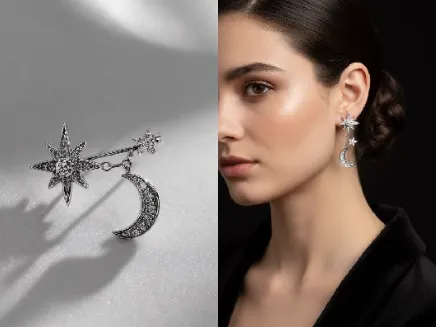
AI Jewelry Display AI Image Generator
Create studio-grade Jewelry Display AI Image scenes fast with realistic lighting and background removal.
Why Creative Teams Choose This Visual Tool
Designed to make product imagery a growth driver, not a bottleneck.
Real-World Applications
From independent makers to retail teams, reimagine how you present jewelry online and in ads.
E-commerce Brands
Create consistent product grids and lifestyle stills that increase trust and reduce return rates.
Independent Designers
Prototype collections quickly, share realistic mockups with buyers, and iterate on designs without physical samples.
Marketing Teams
Spin up campaign visuals and social formats in minutes to keep creative calendars full and performance high.
How can you produce studio-ready jewelry images in three steps?
Your quick path to polished product visuals that sell.
- Step 1
Upload or Describe Your Piece
You upload a photo, sketch, or describe your piece in plain language so the system understands material, cut, and scale.
- Step 2
Adjust Lighting and Style
You tweak presets or fine-tune lighting, background, and reflections to match your store aesthetic.
- Step 3
Export and Deploy
You choose export presets for web, print, or social and download ready-to-use files for listings or ads.
Prompting Tips for Better Renders
Small wording changes lead to big improvements in realism and brand fit.
Download & Use Anywhere
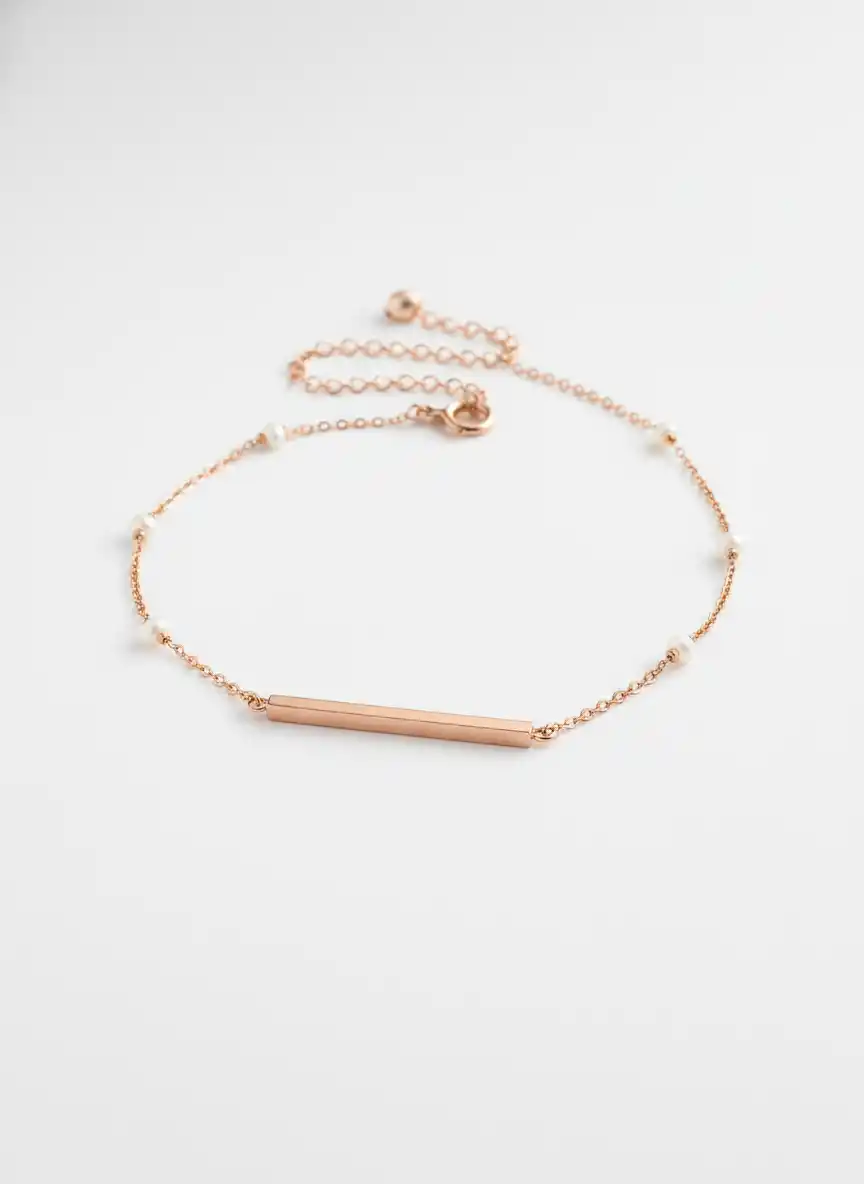
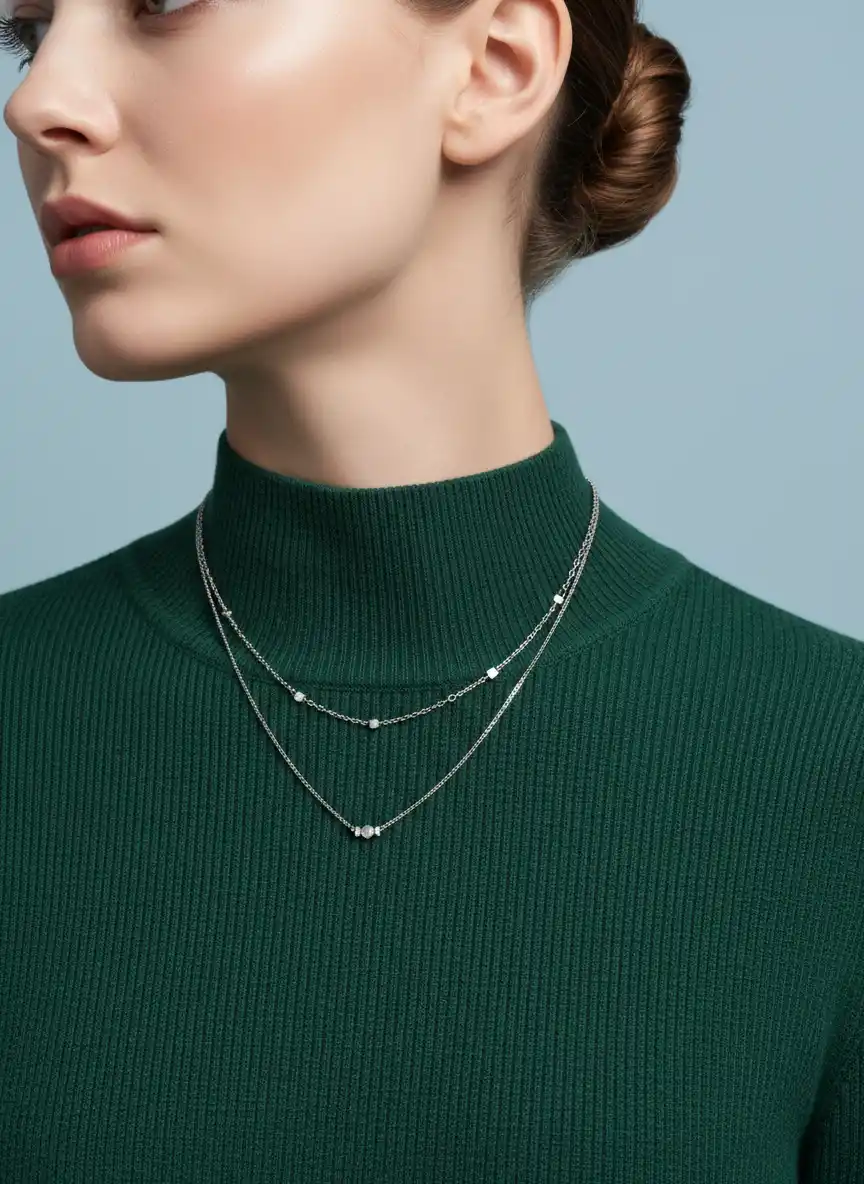
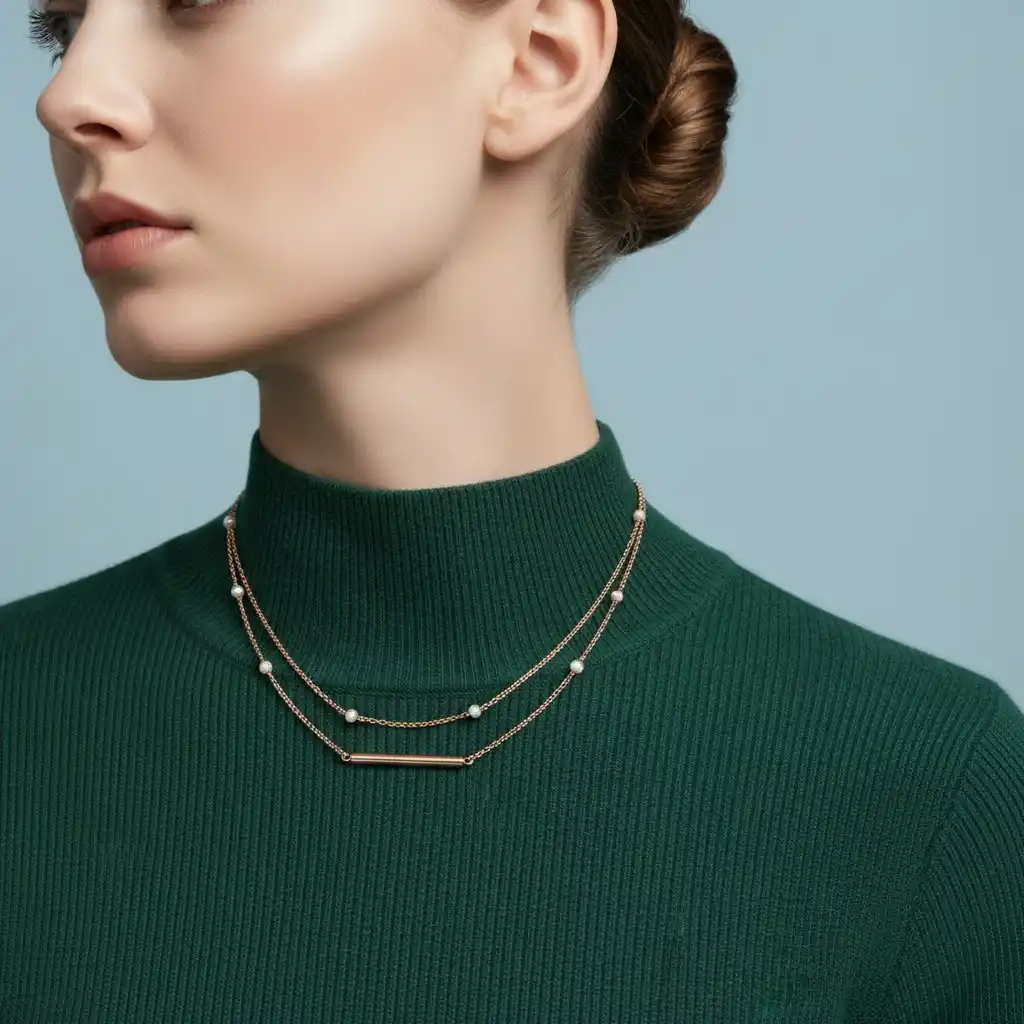
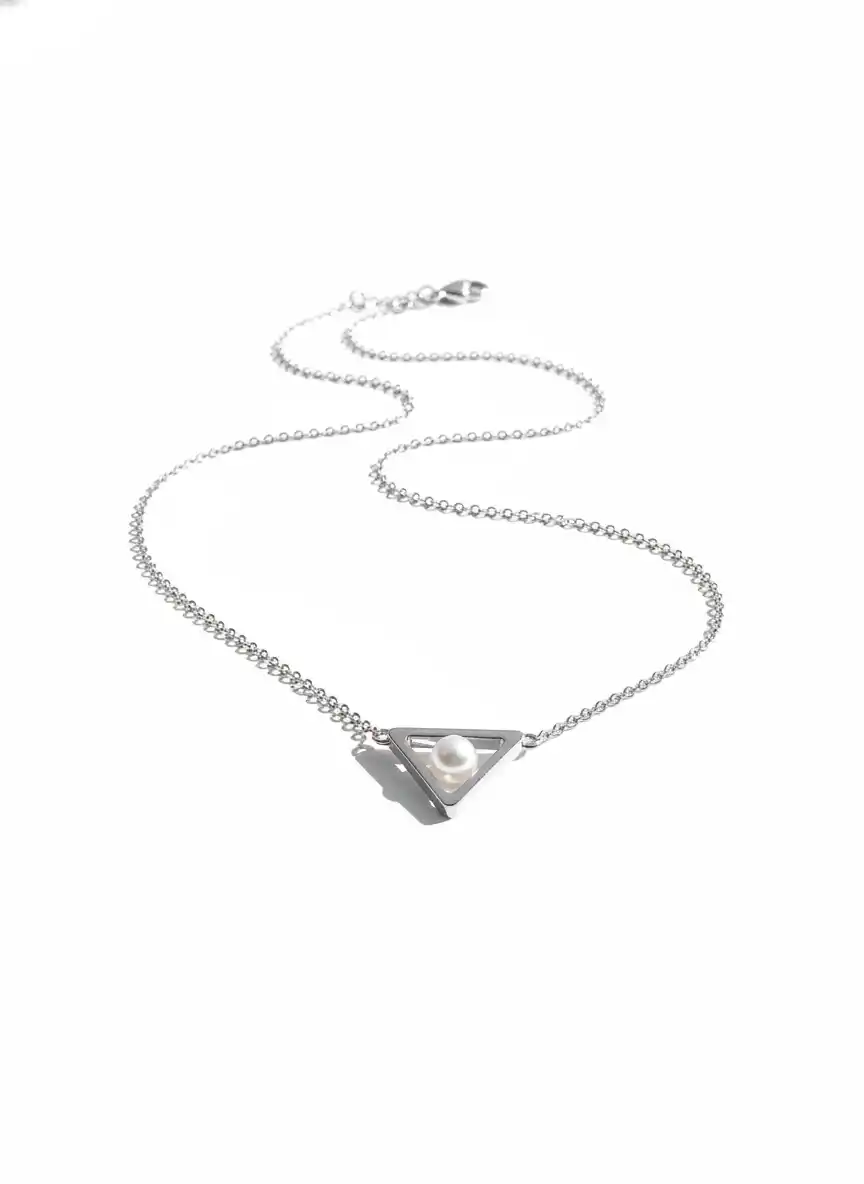
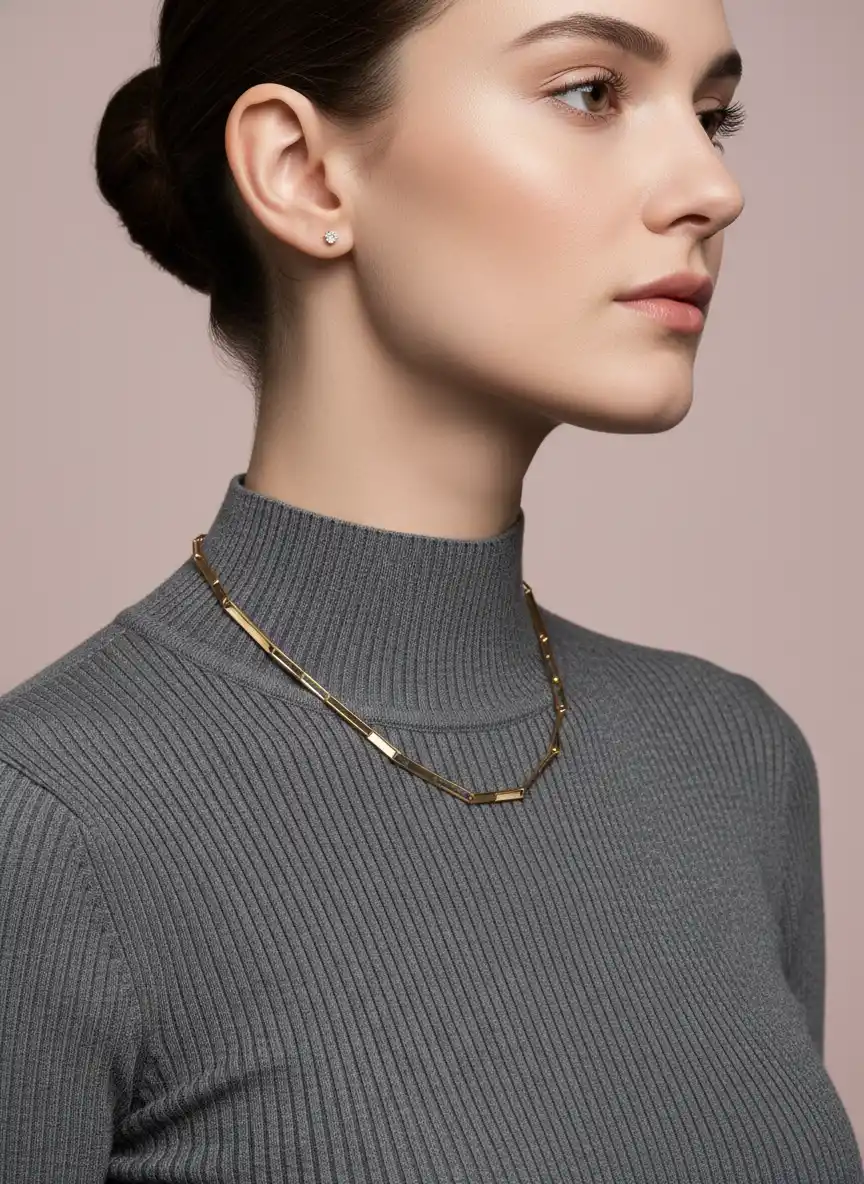
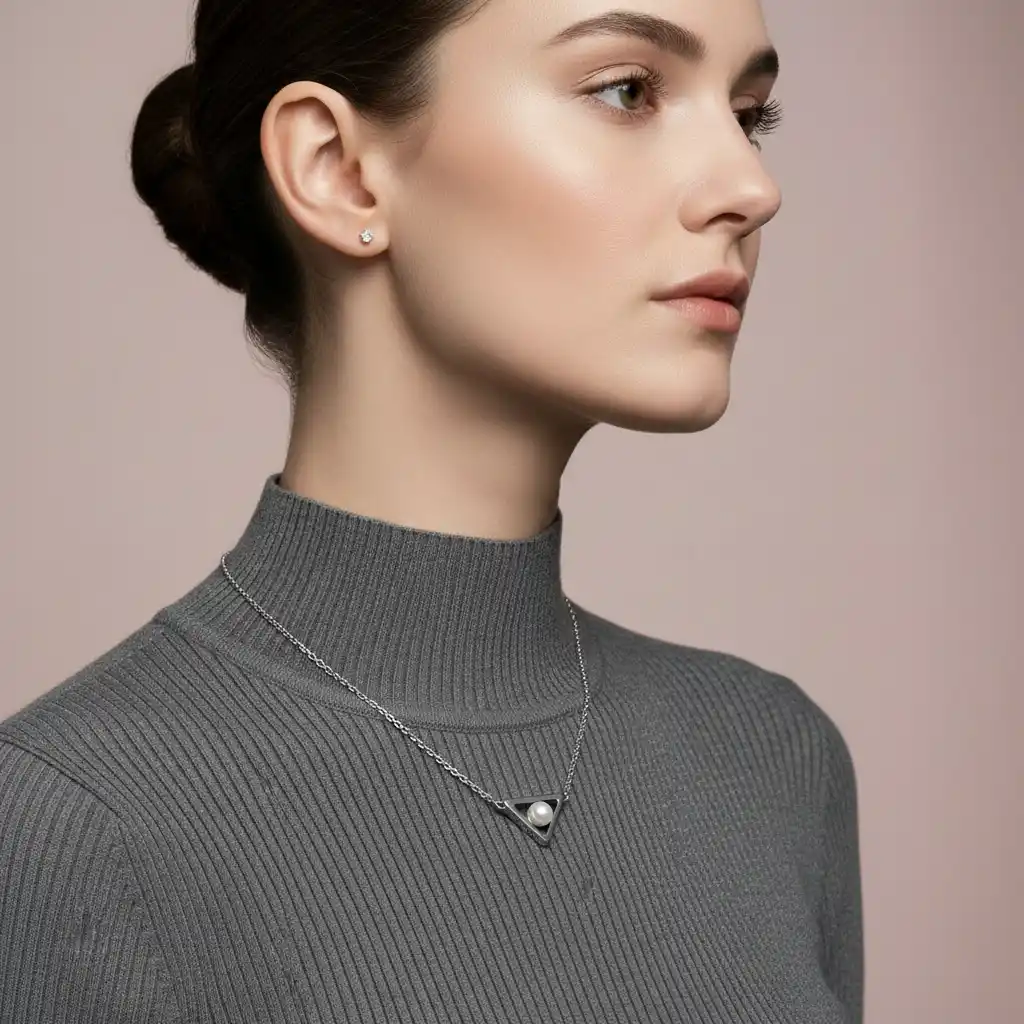
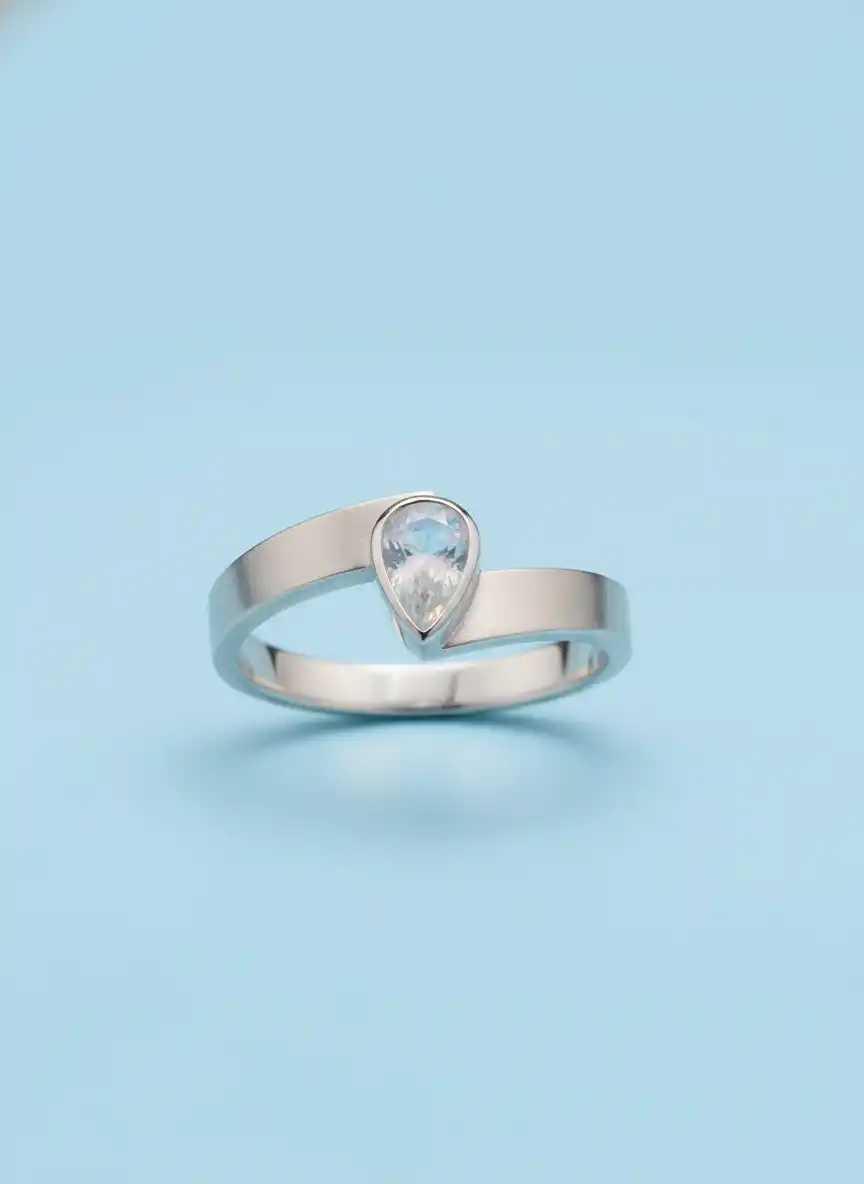
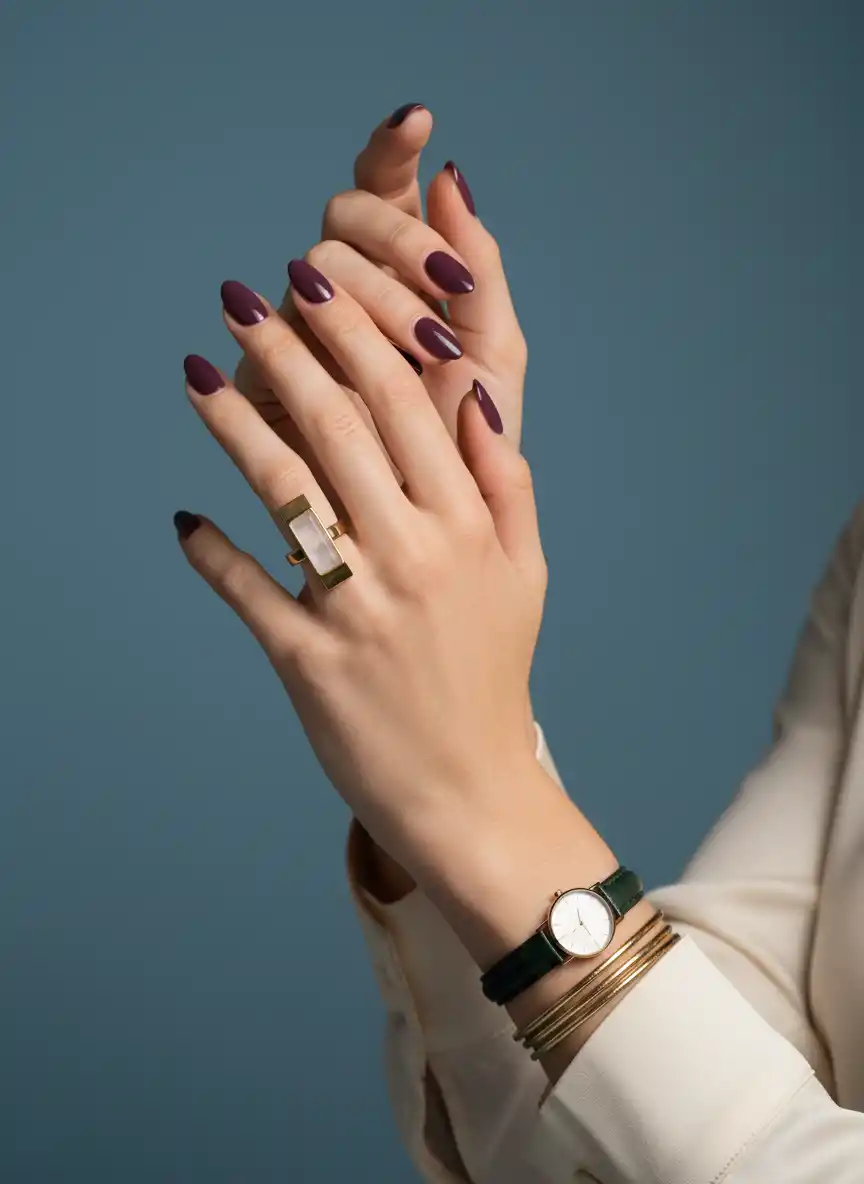
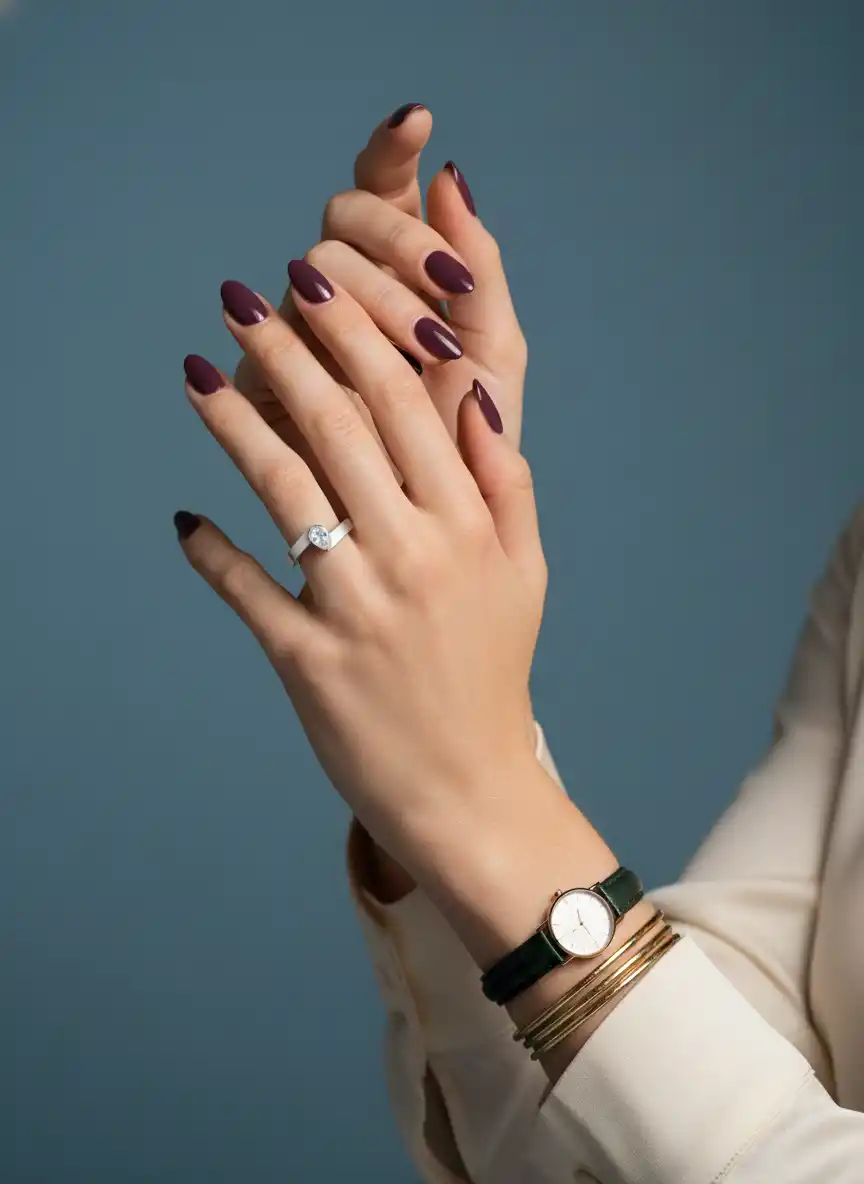
Your AI-generated image is ready for global digital use. Support free download in high-definition JPG format — perfectly suitable for Instagram posts, Facebook feed visuals, Pinterest pins, website graphics, brand collaterals, marketing banners and print materials, watermark-free and commercial-use allowed, covering all online and offline scenarios.

High Definition
Multiple Aspect Ratio
Ready For Commercial Use
Frequently Asked Questions
Are generated images safe to use for product listings?
Can I remove backgrounds and export layered files?
Who owns the images I generate for my store?
Can I customize renders to match an existing catalog style?
What file types can I download for ads and print?
Complete Your Brand Toolkit